Questions about the Options XIII Conference?
Contact the Options XIII Conference planners at Options@ConferenceSolutionsInc.com or call 503-244-4294.


All oral presenters must provide their final presentation (16:9 format) by using the provided Dropbox link or on a USB drive at the Presentation Upload Room during the designated times. PC laptops will be used and equipped with the latest software. Presentations should be provided in PowerPoint. Personal laptops may not be used.
The presentation upload process is in place to ensure that all sessions run smoothly. Failure to submit your presentation as indicated may result in technical errors or missing graphics for your presentation.
Presenter Guidelines
Presentation Upload Information
Presenters are highly encouraged to upload their presentations in advance to bypass the Presentation Upload Room lines. A Dropbox link was sent to all presenters via email and will remain active until the night before your scheduled talk.
If you elect not to upload your talk in advance, bring it on a USB drive to the Presentation Upload Room during the designated times listed below.
Please note:
Presentation Upload Room
| Presentation Date | Check-In Date | Hours |
| Sunday, 30 August | Sunday, 30 August | 10:30 am – 4:30 pm |
| Monday, 31 August | Sunday, 30 August | 08:00 am – 1:00 pm |
| Tuesday, 1 September | Monday, 31 August | 08:00 am – 1:00 pm |
| Wednesday, 2 September | Tuesday, 1 September | 08:00 am – 1:00 pm |
Posters will be on display for the duration of the conference, and presented in one of the following sessions:
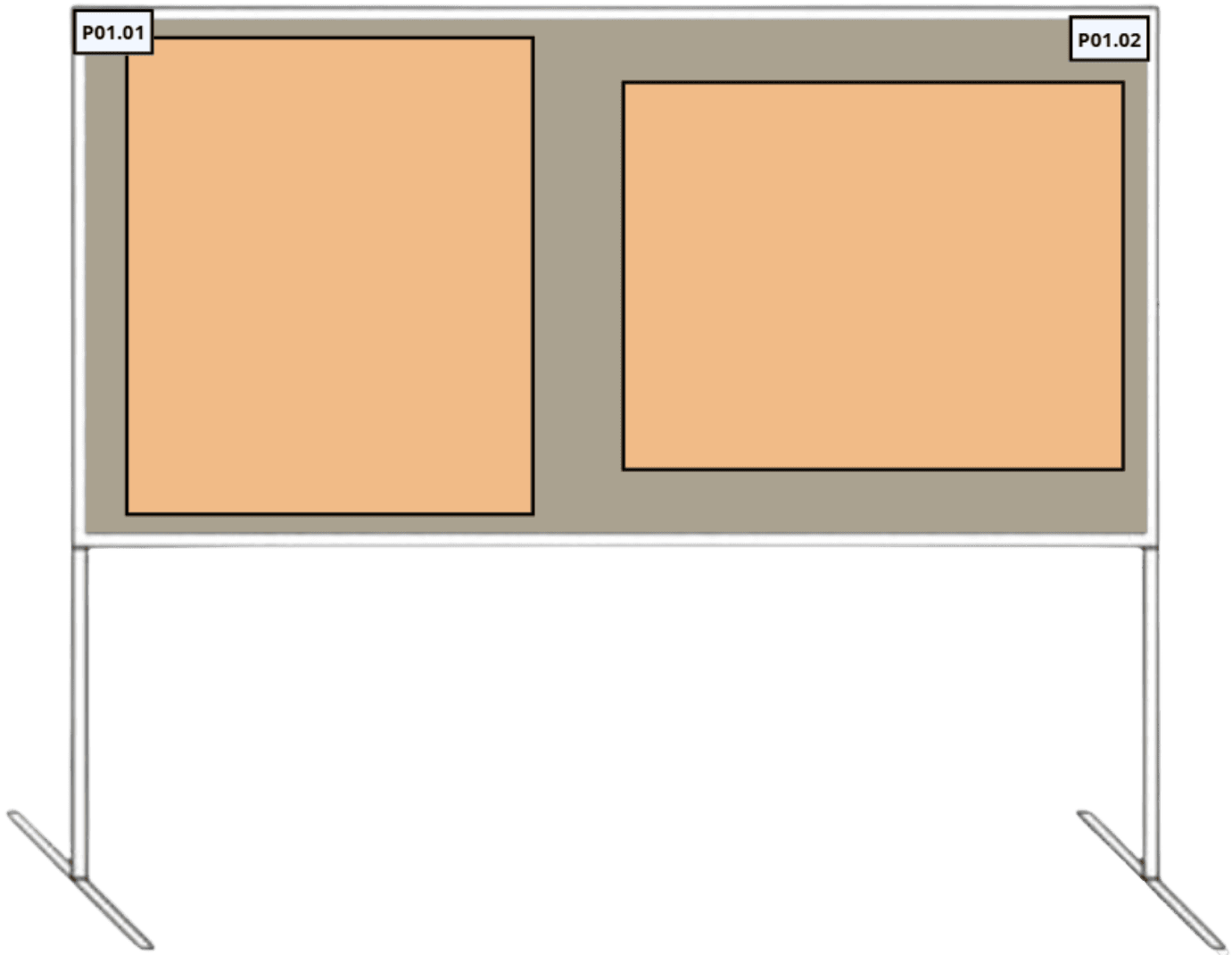
Poster sessions are scheduled based on topic and the last two digits of your abstract presentation number. For example, 1.01 is an odd numbered abstract; whereas 1.02 is an even numbered abstract.
At least one author is required to be present at the poster during the assigned presentation time listed below.
Poster Install/Removal Details
Posters should be installed on Sunday, 30 August between 8:00 am – 10:30 am, and removed on Wednesday, 2 September between 8:00 am – 4:00 pm*
*Posters not removed by 4:00 pm will be discarded.
Poster Dimensions & Setup
|  |
Suggested Poster Format
Please Note: Options XIII does not provide poster printing. You must print and bring your poster.
Questions about the Options XIII Conference?
Contact the Options XIII Conference planners at Options@ConferenceSolutionsInc.com or call 503-244-4294.